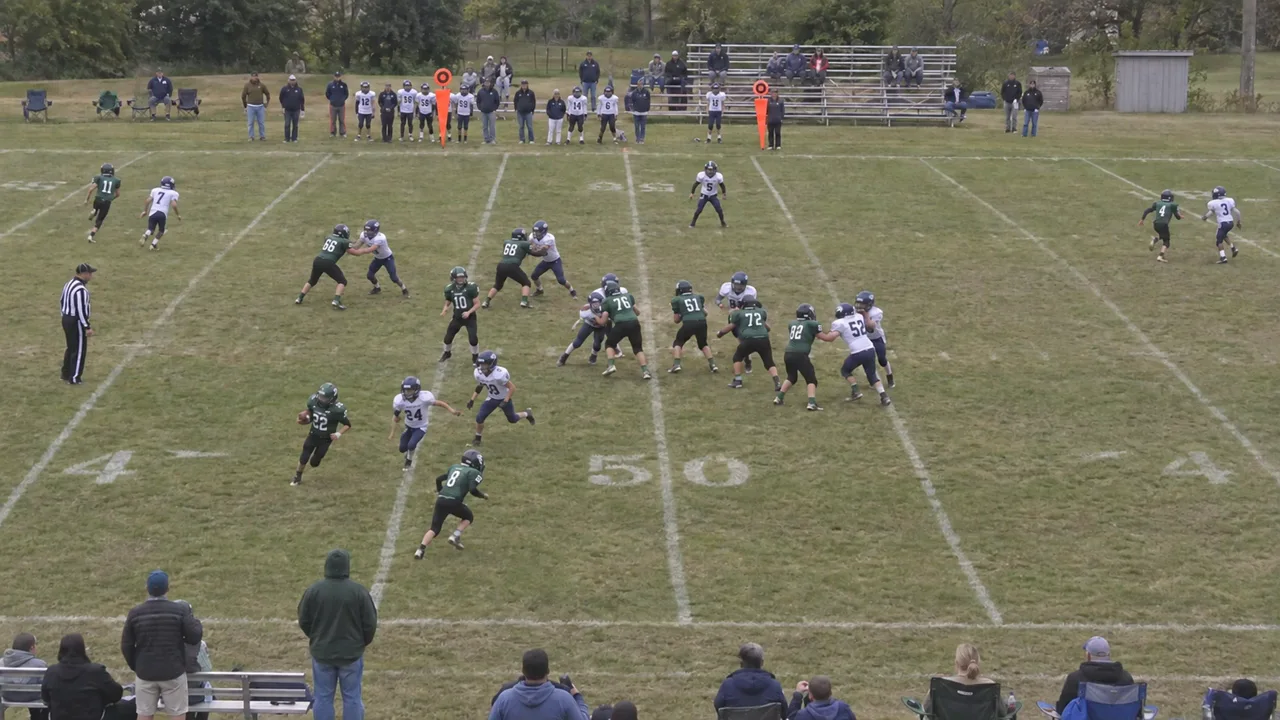
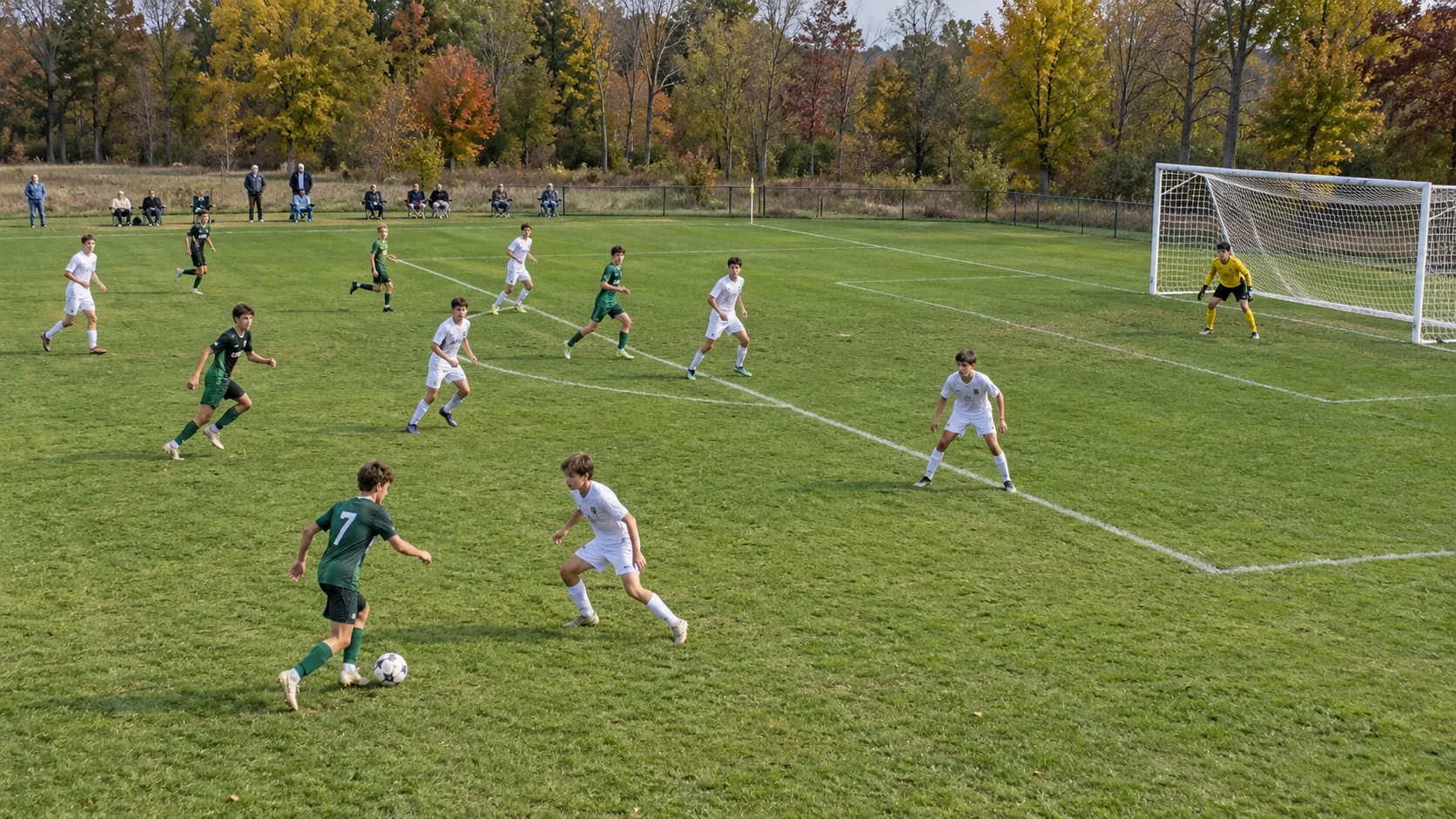
Keep the action moving.
Use continuous replay to record while a coach looks back at recent action and saves key moments.
Chawlk for Basketball
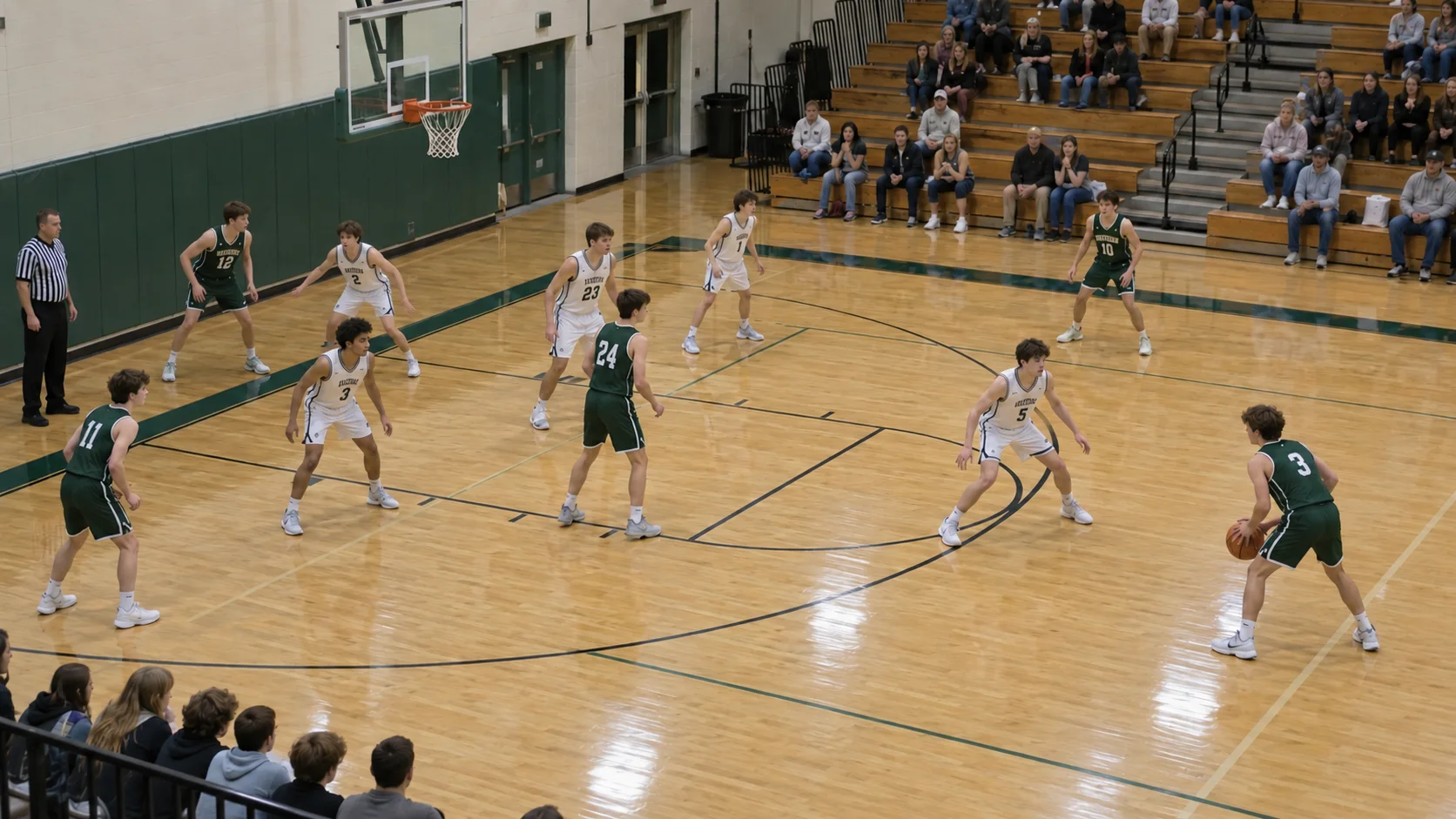
Review the possession. Show the spacing. Draw the next set. Basketball film and whiteboards, together for your coaching staff.

iPhone & iPadComing soon
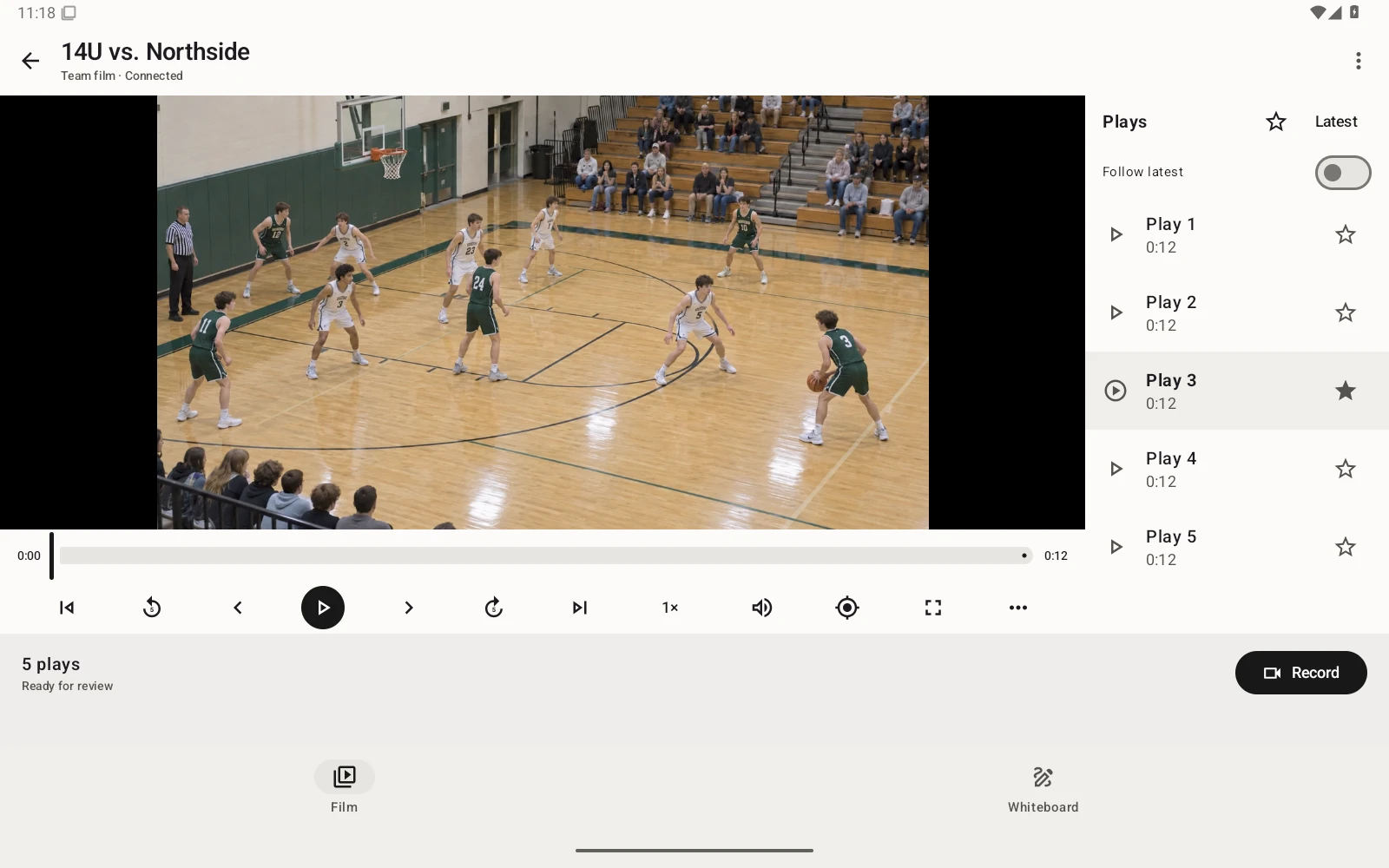
A possession is more than the shot. Slow down the film to look at off-ball movement, a screen’s timing, or the help defender’s position. Draw over the video so your staff can point to the same moment.
Use continuous replay to record while a coach looks back at recent action and saves key moments.
Zoom in, step through frames, and use slow motion to examine a passing decision or a defensive rotation.
Favorite useful clips or import existing footage. Use those examples to choose a focus for the next drill.
Place and label players on the basketball court. Draw the drive, kick-out, and cut. Save your own sets and share whiteboards with the team before you take them onto the floor.
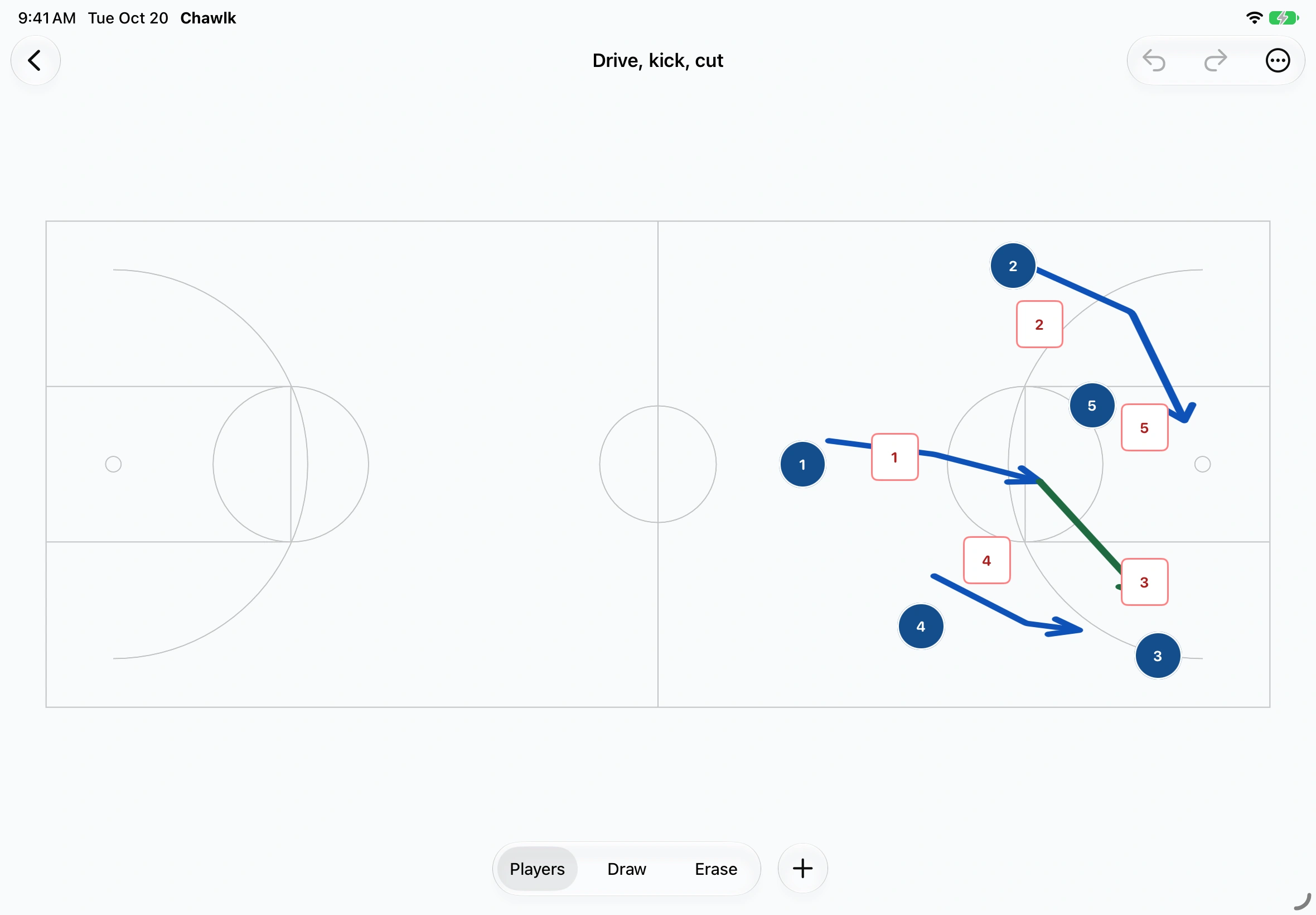
For a spacing drill, record a short sequence and find the moment the floor opens up or gets crowded. Show it in slow motion, sketch the intended movement on the court, then let players repeat the rep with one clear adjustment.
No. Keep recording while another coach watches replays and saves key moments. You can also record individual drills or possessions.
Yes. Place players on the court, draw their movement, and save your sets. Keep boards for yourself or share them with the team.
Yes. Import video from your phone or tablet, then slow it down, draw over it, and save the moments you want to revisit.
Yes. Invite your staff to the team so they can review the same film on their phones, tablets, or in the web app.
Need a hand? Contact Chawlk support.
One team space for your film, whiteboards, and staff.
iPhone & iPadComing soon